Canva Brush: Canva Launches Its Own Model to Edit Designs via Simple Prompts
One week after Canva Craft, its first image generation model, Canva introduces Canva Brush, a vision-language model designed to edit existing designs without altering everything else. Initially reserved for Canva Pro subscribers, Canva claims it is up to 69% faster than its former design agent.

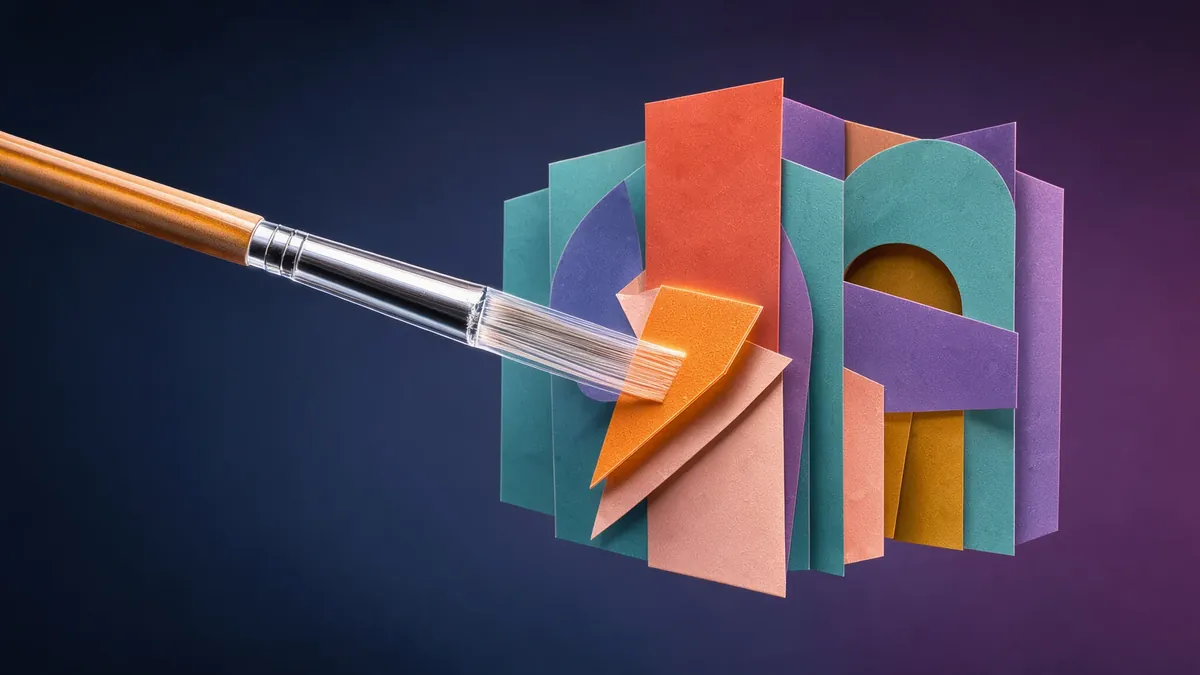
Canva introduced Canva Brush on Thursday, October 29, a vision-language model designed not to generate visuals from scratch, but to edit existing designs. Brush “sees” a layout, understands how it is constructed, and applies requested changes, from a single line of text to every slide in a presentation. It arrives just one week after Canva Craft, the company’s first image generation model.
Editing Without Breaking Everything
Canva starts from a pain point familiar to every user of generative tools: asking for a small edit often introduces unwanted changes across the rest of the canvas. To modify a design, a model needs to understand what should change, how the page is structured, and above all, what must remain intact. To achieve this, Brush relies on an agentic loop: it writes and executes code to adjust elements, then inspects the page to determine the next step. Everything it outputs remains fully editable in the editor, element by element.
Canva highlights three typical use cases: changing the style of a visual (colors, weather, mood), applying an edit across all pages of a document with a single prompt, and adapting a design into a different format—such as turning a slide into an Instagram post.
An Open Model Reworked by Canva
Brush was developed by Canva Research, the company’s 160-person in-house AI lab. It is built on an existing open model—which Canva does not name—post-trained on real design and editing tasks, notably leveraging anonymized data from users who opted in to help improve Canva AI. It was subsequently fine-tuned using reinforcement learning, featuring a reward system that evaluates visual quality, adherence to layout principles, and prompt execution. Canva notes that the definition of “good” design is set by professional designers on its team.
The primary selling point is economic: according to Canva, Brush is up to 69% faster on common editing tasks and 46% cheaper per task than its previous design agent, delivering equal or superior quality on most tasks. These figures stem from internal testing.
Availability
Brush now powers supported edits within Canva AI for Canva Pro subscribers: users simply open a design and select “Brush” from the dropdown menu. Access for other subscription tiers is promised “soon,” as is support for Brand Kits and attachments. Canva Craft, released on October 22, is available to all users via Dream Lab and through the public API.
Our take
With Craft and now Brush, Canva is moving away from relying exclusively on frontier labs’ models, building its own where it holds an edge: billions of designs and a granular understanding of how people edit them. Choosing to build on top of an open model rather than training from scratch is pragmatic, and the emphasis on cost per task highlights what truly matters: across hundreds of millions of users, saving pennies per edit adds up quickly. For creators, the real benefit lies in targeted editing that preserves the rest of the layout; this remains to be proven outside curated demos, and the speed and cost advantages still need independent verification.
Sources
- Canva — Introducing Canva Brush, a vision-language model for design Primary source
- Canva — Introducing Canva Craft Primary source
A primary source comes directly from the company, lab or organization concerned. A secondary source reports the information without being its author: we flag it as such. Spotted an error? See our corrections policy.