OpenAI Launches ChatGPT Images 2.6: Animated GIFs, Reference Images, and Two API Models, Sunburst and Flare
Overnight between November 4 and 5, OpenAI introduced ChatGPT Images 2.6, which creates animated GIFs and stores reusable reference images. For developers, two models—GPT-Image-2.6 Sunburst and Flare—add GIF and SVG output, annotation-guided editing, and a “complexity” setting.


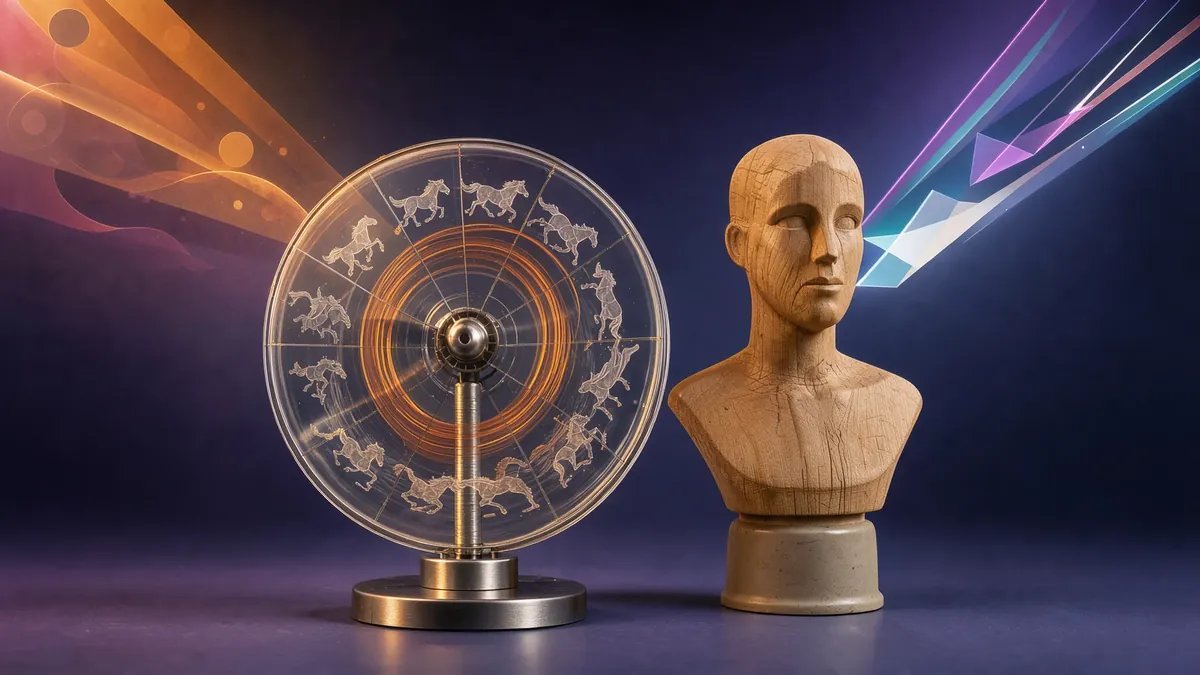
OpenAI introduced ChatGPT Images 2.6 overnight between November 4 and 5, an update to its image generator that delivers two prominent features for general users: the creation of animated GIFs and reference images that can be saved once and reused. For developers, the developer is deploying two models, GPT-Image-2.6 Sunburst and GPT-Image-2.6 Flare, which bring GIF and SVG outputs to the image API.
What is changing in ChatGPT
Until now, ChatGPT produced static images. With Images 2.6, text or a starting image can become a looping animation. According to OpenAI’s announcement, users can adjust its speed, edit frames one by one, and share it.
The second addition aims to improve consistency across creations: ChatGPT can store reference images—such as a photo of oneself, a pet, or a recurring character—to reuse in new images without uploading them each time. This fills a long-standing gap in maintaining the same character or mascot across a series of visuals.
According to OpenAI, Images 2.6 is available in ChatGPT and Codex for all subscription tiers on web, desktop, and mobile. The specific usage limits per tier have not been published.
Two models for developers
In the API, OpenAI is now clearly splitting two use cases:
- Sunburst for detailed work: complex compositions and touch-ups where precision matters;
- Flare for fast iteration: according to OpenAI, an image can be generated in about six seconds under optimal conditions.
Both models share the same tools, as detailed in OpenAI’s guide:
- Animated GIFs: generation only, ranging from 2 to 64 frames per animation (9 by default), with each frame displayed for 20 to 2,000 milliseconds (200 by default);
- SVG: an editable vector file suitable for icons or illustrations, available exclusively via the API;
- Annotation-guided editing: drawing around an area on a canvas layer and describing the change, a feature also opened to compatible GPT Image 2.5 models;
- A complexity setting (low, medium, high) that dictates how much the model “plans” before drawing; set to “high” by default, it is not billed separately, but OpenAI warns it may increase response times and introduce unintended changes.
The model cards for both versions list the same pricing: $5 per million input text tokens, $8 per million input image tokens, and $30 per million output image tokens. The actual cost of an image depends on the number of generated tokens, which the documentation does not detail.
Safety for GIFs
The system card published by OpenAI builds on the safety foundation of Images 2.5 and introduces GIF-specific guardrails, as animations can convey problematic meanings or motion that no individual frame exhibits on its own. OpenAI acknowledges that these violations “remain difficult to detect.” Across its test set of 3,077 deliberately adversarial prompts, the rate of unblocked problematic images rose from 1.49% to 2.14% for Flare and decreased slightly for Sunburst; OpenAI considers these differences not statistically significant. Generated images continue to include C2PA metadata and the SynthID invisible watermark.
What remains unknown
- Cost per image: a developer pointed out on the OpenAI forum that the “low” and “medium” quality settings consume significantly more tokens than GPT Image 2.5. OpenAI has not responded.
- Usage quotas for GIFs and reference images across ChatGPT tiers.
- Retention of reference images: how long they remain stored and how to delete them is not specified in the reviewed documentation.
Our take
While GIFs might seem trivial, they fill a gap between static images and generated video, which is far slower and more expensive: animated mascots, social media reaction clips, or quick motion sketches before producing a full video shot. Saved reference images directly address the most common request among creators: maintaining character consistency across multiple visuals. On the API side, splitting Sunburst and Flare while adding a complexity setting finally provides a clear trade-off among speed, precision, and cost. However, the lack of clarity regarding token consumption makes it necessary to benchmark actual costs on your own workflows before migrating a production pipeline. Lastly, storing personal photos on OpenAI’s servers for recurring use raises privacy questions that the published documentation has yet to address.
Sources
- OpenAI on X — Images, upgraded: introducing ChatGPT Images 2.6 (November 4, 2026) Primary source
- OpenAI Developer Forum — ChatGPT Images 2.6, Sunburst, and Flare announcement Primary source
- OpenAI API — Changelog (November 4, 2026) Primary source
- OpenAI API — GPT-Image-2.6 Sunburst model card Primary source
- OpenAI API — GPT-Image-2.6 Flare model card Primary source
- OpenAI API — Image generation guide (GPT Image 2.6 section) Primary source
- OpenAI Deployment Safety Hub — ChatGPT Images 2.6 System Card (November 4, 2026) Primary source
- OpenAI on X — Images 2.6 availability in ChatGPT, Codex, and API (November 4, 2026) Primary source
A primary source comes directly from the company, lab or organization concerned. A secondary source reports the information without being its author: we flag it as such. Spotted an error? See our corrections policy.